
How to Make Talking Head Videos Without Filming Yourself (Talking Twin AI Review)
A ring light, a phone, and an empty chair: this is what creating AI talking head video content actually looks like now.
This post contains affiliate links. If you purchase through my link, I may earn a commission at no extra cost to you.
I have wanted to post video for two years and kept talking myself out of it. The camera, the lighting, the redoing one sentence eleven times because my voice cracked. So when I found a way to make talking head videos without filming myself, I went in skeptical and stayed to actually test it.
This is my honest review of Talking Twin AI, Laura Sales' course on building an AI version of yourself that can talk on camera so you never have to. It is normally $197 and currently on sale for $67. I will tell you what it teaches, who it is genuinely for, and who should keep their money.
If you have been sitting on content because filming feels like too much, this is the exact problem the course is built to remove.
Why "just start filming yourself" never works
Every piece of advice for growing online ends the same way: post more video, show your face, be consistent. Good in theory. In practice, filming is the wall most people never get over.
It is not laziness. It is setup time, bad lighting, no editing skills, hating your own voice, and not wanting your coworkers or family to see you doing it. For women building something quietly on the side, the privacy piece alone is a dealbreaker. So the content never gets made, and the account stays empty.
An AI talking head video generator removes the part people actually quit over: being on camera. You write the words. Your digital twin says them.
How Talking Twin AI solves it
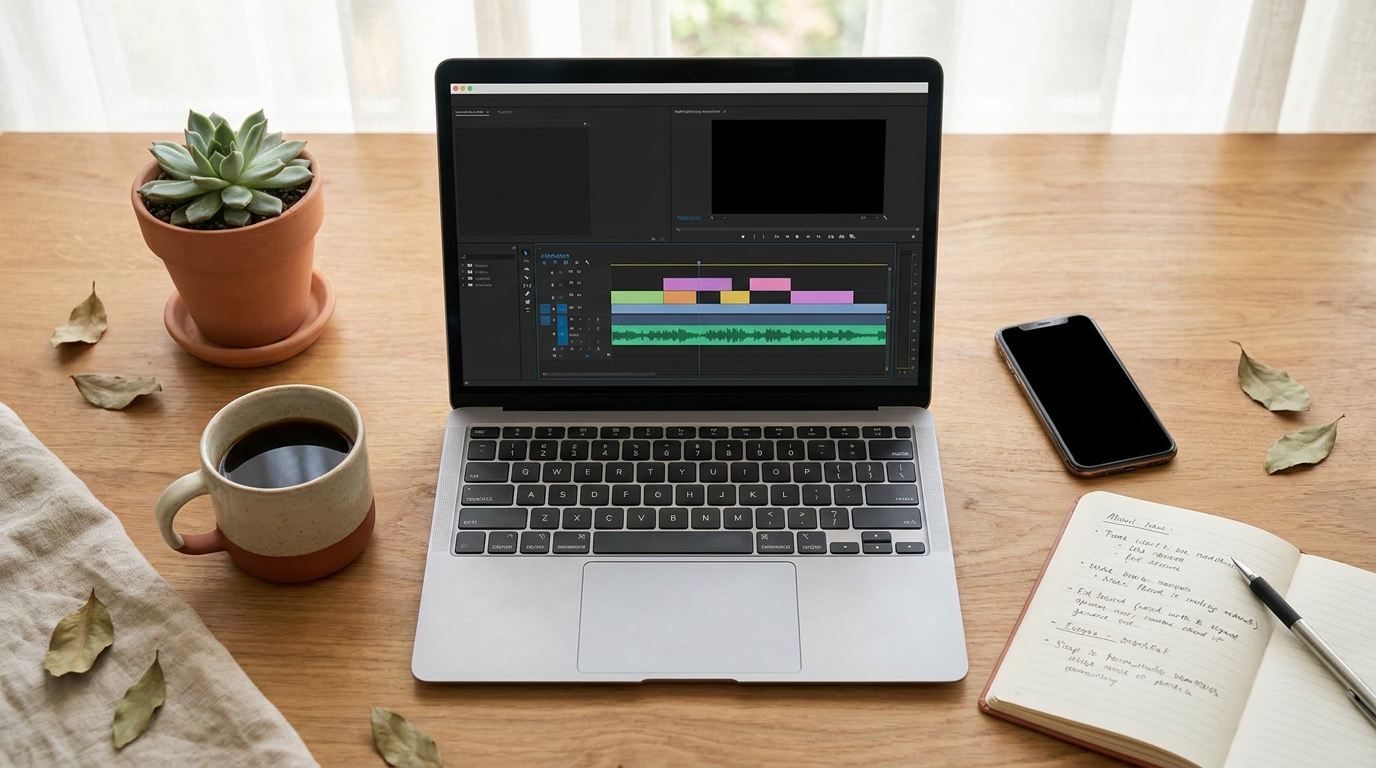
The whole workflow runs from a laptop: build the twin, write the script, generate the video.
The course is a step by step system, not software you log into. It walks you through using existing AI tools (Nano Banana for images, Higgsfield, HeyGen for the talking video) to build a realistic AI clone of yourself and turn it into video. Here is what is inside:
- Custom AI twin creation. Turn a few of your own photos into a realistic AI avatar that actually looks like you.
- Branded image system. Generate on brand images of your twin from inspiration photos, so your feed looks consistent.
- Talking head videos with AI. Convert those images into realistic talking videos where your twin delivers your script.
- Long form content. Use the same twin for YouTube videos, sales videos, ads, presentations, even full courses.
- Custom podcast studio. Build a branded podcast style backdrop so interviews and solo clips look high end.
- Editing for social. Format and optimize the videos so they are scroll ready for Reels, TikTok, and Pinterest.
- Private community. Access to a Skool group of 1,500+ creators and business owners doing the same thing.
The honest version: this is a skills course. You are learning a workflow you will run yourself, not buying a magic button. That is a feature, not a flaw, because once you know it you are not paying anyone monthly to do it for you.
If you have been stuck on the idea of showing your face and that is the only thing keeping you from posting video, Talking Twin AI was built for exactly this. See current pricing →
Who this is for, and who should skip it
This is for you if:
- You want to post video content but will not (or cannot) show your real face
- You are building a brand quietly and privacy matters to you
- You are willing to learn a workflow and run it yourself
- You already create faceless content and want to add talking video to the mix
Skip this if:
❌ You want done for you video with zero learning.
This teaches you the process. If you want to hand someone a script and get a video back, this is the wrong purchase.
Still reading? Good, because learning it once means you control it forever instead of paying a service every month.
❌ You are not going to actually post.
The best AI twin in the world does nothing in a folder. If the real block is consistency, fix that first.
Still reading? Then you are the person this works for. The tool removes the hard part so showing up gets easier.
❌ You expect it to be free.
It uses other AI tools (some have their own free tiers, some paid). Budget for a few small subscriptions on top of the course.
Still reading? At $67 with mostly free or cheap tools underneath, it is one of the lower cost ways into AI video right now.
Real results, honestly

The point of faceless video content is reach you can build without ever being recognized at the grocery store.
I am going to be straight with you, because parading fake testimonials is exactly the thing that makes these reviews useless.
The strongest proof here is the creator herself. Laura Sales (@laurasalessocial) built an audience of 400K+ followers and millions of monthly views using the same AI methods she teaches in the course. The private community has 1,500+ paying members running the workflow. That is real signal, not a screenshot of a stranger's bank account.
My own experience: I already create faceless content daily, and the talking head piece was the one format I had avoided. Building the twin took an afternoon. The first videos were good, not perfect, and got noticeably better once I understood the editing module.
What I notice: the people getting results treat it as a skill to practice, not a slot machine. The first twin is rarely the best one.
Reality check: you are not going to post one AI video and go viral. This gives you the ability to make the content. Whether it grows still depends on your hook, your offer, and posting consistently.
Results not typical. Individual outcomes depend on effort, consistency, and market conditions.
What's inside the $67
You get the seven modules above, lifetime access with updates as the AI tools change (and they change fast), the 1,500+ member community, and a 70% affiliate program if you want to recommend it later. There are two optional add ons at checkout: a B-Roll on Demand pack ($49) and a Claude prompt automation system ($47). Neither is required to get the core result.
One thing worth knowing before you buy: all sales are final, no refunds, because it is a digital product. Standard for this type of course, but go in knowing it.
How Talking Twin AI compares
The obvious alternative is going straight to a tool like HeyGen and building an avatar yourself. HeyGen is powerful, but it runs $24 to $89+ per month, and figuring out a workflow that actually looks good (not uncanny) is its own learning curve. Talking Twin AI is a one time $67 that teaches you a multi tool workflow, including how to use HeyGen well, plus the image and editing pieces HeyGen alone does not cover.
The other alternative is free YouTube tutorials. They exist, and you can absolutely piece it together for nothing if you have the patience to stitch ten scattered videos into a system. The course is the shortcut and the community, not secret information. You are paying for sequence and support, which for most people is the difference between finishing and quitting.
FAQ
Can you really make talking head videos without filming yourself?
Yes. You build an AI avatar from your own photos, then use AI video tools to make that avatar speak a script you write. No camera, no lighting setup, no recording your voice if you do not want to. The output is a realistic talking video.
Is Talking Twin AI worth $67?
If you will actually post video and the only thing stopping you is being on camera, yes. It is a one time cost versus monthly avatar tool subscriptions, and it covers the full workflow. If you are not going to post, no course is worth it.
What tools do you need besides the course?
It teaches you to use existing AI tools like Nano Banana for images, Higgsfield, and HeyGen for talking video. Some have free tiers, some are paid. Budget for a couple of small subscriptions on top of the $67.
Does the AI twin actually look like me?
It can look very close when you start from clear photos of yourself and learn the prompting from the image module. The first version is rarely the best. People who practice it get results that pass as real on a phone screen.
Is this the same as HeyGen or Synthesia?
Not exactly. Those are single avatar tools. Talking Twin AI is a course that teaches a workflow across several tools (including HeyGen) plus branded images, a podcast setup, and editing. It is the system, not one app.
Can I get a refund if I don't like it?
No. All sales are final because it is a digital download. Decide before you buy, which is part of why I wrote this honest breakdown.
Do I need to show my voice?
You can use AI voice tools as part of the workflow, so you do not have to record your own voice if privacy is the concern. Many people do clone their voice for a more personal feel, but it is optional.
The bottom line
Talking Twin AI is for one specific person: someone who wants to show up on video without ever being on camera, and is willing to learn a repeatable workflow to do it. If that is you, $67 for the system plus a 1,500 person community is a low risk way in, especially while it is on sale from $197.
It will not post for you and it will not make you consistent. What it does is delete the single biggest reason people never start video at all. The face. Once that wall is gone, the only thing left is to write the script and hit publish, which is a much easier problem to have.
If you have been quietly wanting to do this for months, the camera was never the real obstacle. The fear of being seen was. This removes it.
Get access to Talking Twin AI →
Note: This post contains an affiliate link. If you purchase through my link, I may earn a commission at no extra cost to you.